
主要针对特性:
- 光线追踪和光栅化
- 所有操作系统和图形API
- 真正的GPU实力揭晓
GravityMark GPU 基准测试通过利用 GPU 加速实时渲染大量对象,展示了现代 GPU 的功能。通过增加渲染对象的数量轻松对任何 GPU 进行压力测试。即使是相对较旧的 GPU(例如 Nvidia 的 GTX 1060 和移动 GPU)也显示出出色的性能,这是使用基于 CPU 的绘制调用提交无法实现的。我们通过将整个场景管理和渲染步骤专门委托给 GPU 来避免典型的基于 CPU 的性能瓶颈。
GravityMark是一款全面的GPU压力/稳定性/效率测试和API性能验证工具。命令行界面以及各种参数和预设允许对任何 GPU 部件和 API 进行全面的测试自动化和定制。
使用方法:
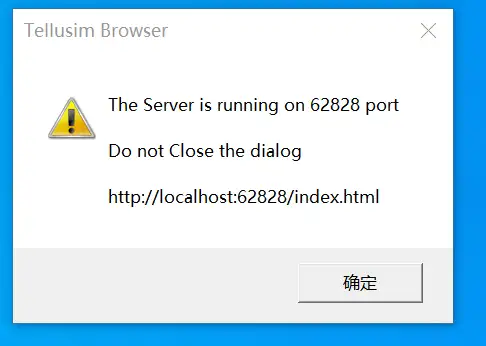
- 运行程序,不要关闭这个Dialog
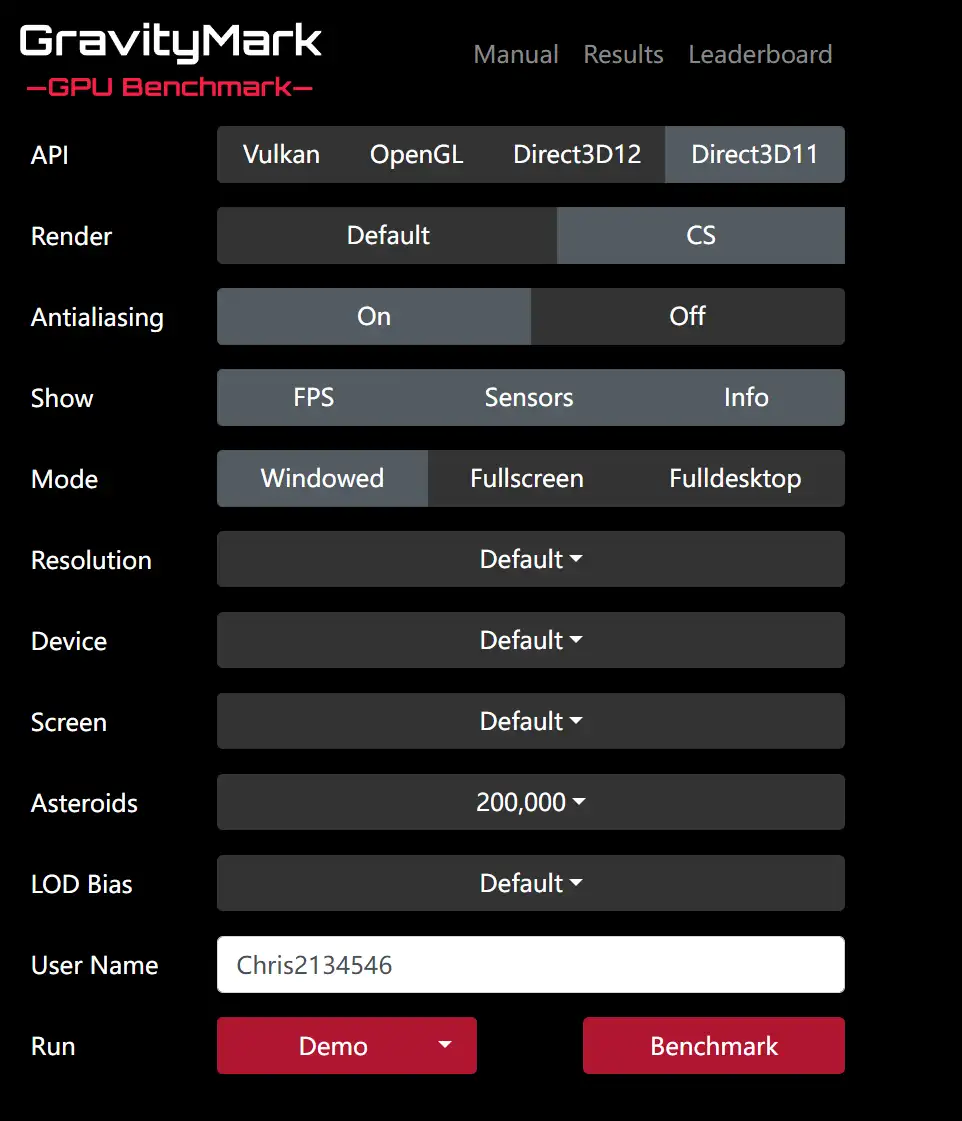
在弹出的网页中,选择你的配置,或者直接使用默认配置,点击最下面的DEMO或者Benchmark进行评估了
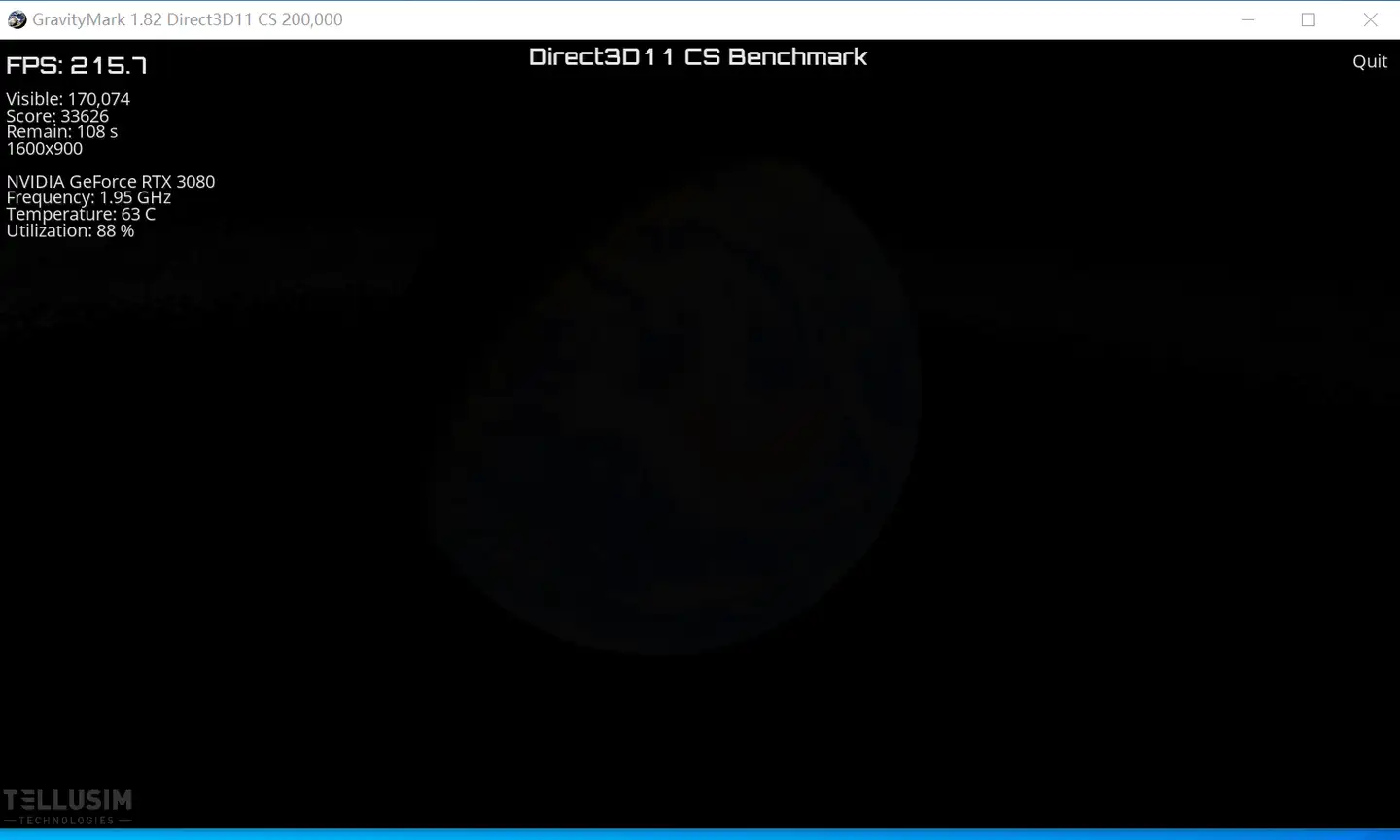
运行一端时间,这个窗口或者程序内容
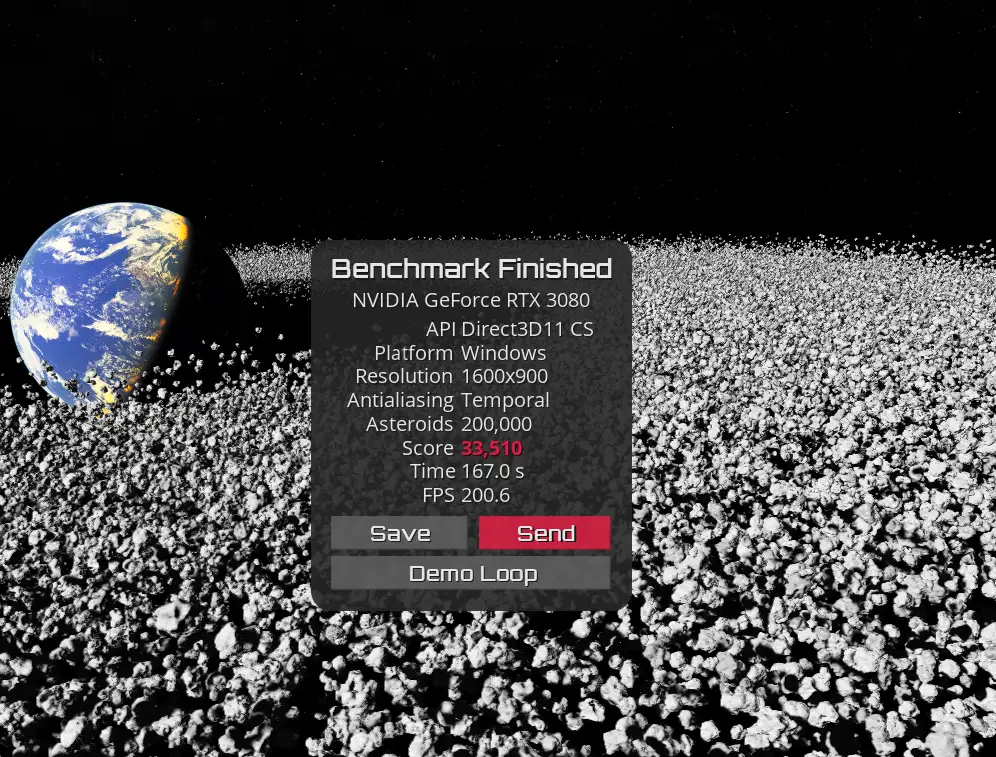
运行一段时间后就出结果了
去分数排行榜看自己硬件排名吧:https://gravitymark.tellusim.com/leaderboard/
系统硬件配置要求
A dedicated GPU with 4+ GB of video memory is recommended.
Windows x64 / Linux (x64 / arm64) / macOS (x64 / arm64) Operating System.
键盘快捷键
Enter – Next camera
Space – Pause / Resume
1, 2, 3, 4, 5, 6 – Switch cameras
F – Show FPS counter
I – Show scene info
S – Show hardware sensors info (if available)
Alt+F4 – Close benchmark on Windows and Linux
Cmd+Q – Close benchmark on macOS
F12 – Take a screenshot
Command line arguments
-vulkan – Use Vulkan render (Windows and Linux)
-opengl – Use OpenGL render (Windows and Linux)
-opengles – Use OpenGLES render (Linux only)
-direct3d12 – Use Direct3D12 render (Windows only)
-direct3d11 – Use Direct3D11 render (Windows only)
-metal – Use Metal render (macOS only)
-device <index> – Device index
-screen <index> – Screen index
-openxr <0/1> – OpenXR stereo mode
-stereo <0/1> – Anaglyph stereo mode
-panorama <0/1> – 360 panorama mode
-width <value> – Window width in pixels
-height <value> – Window height in pixels
-position_x <value> – Window x position in pixels
-position_y <value> – Window y position in pixels
-mode <name> – Window mode (8k, 5k, 4k, w2k, 2k, 2fhd, fhd, hd+, hd)
-vsync <0/1> – Vertical synchronization
-fullscreen <0/1> – Full screen mode (single monitor)
-fulldesktop <0/1> – Full desktop mode (multiple monitors)
-raster <0/1> – Compute Shader rendering mode
-meshlet <0/1> – Mesh Shader rendering mode
-raytracing <0/1> – Ray Tracing rendering mode
-temporal <0/1> – Temporal antialiasing
-multisample <value> – Multisample antialiasing (Vulkan only)
-fps <0/1> – Show fps
-info <0/1> – Show info
-sensors <0/1> – Show sensors
-benchmark <0/1> – Run benchmark
-nosensors <0/1> – Disable HW sensors
-asteroids <value> – Number of asteroids (4m, 2m, 1m, 200k, 100k, 50k)
-lod <value> – LOD level bias (-3, -2, -1, 0, 1, 2, 3, 4, 5, 6)
-close <0/1> – Close when the benchmark is finished
-status <0/1> – Return non-zero exit code on user quit
-count <value> – The number of benchmark passes to run
-image <name> – Save benchmark screenshot to the file
-times <name> – Save frame time report to the file
-stats <name> – Save power sensor report to the file
-name <name> – Leaderboard user name
软件下载地址
链接:https://pan.baidu.com/s/1zZNIaqRifW_uzniSIr1ztw?pwd=m3ac
提取码:m3ac